How to Make Anime Characters That Feel Original
A strong anime character prompt does not need to be long. It just needs a clear role, a useful visual direction, and one or two identity details that make the result easier to refine.
Quick overview
Many weak anime prompts fail because they try to describe everything at once. A better approach is to start with one clear character role and only add the details that change the visual direction.
This guide keeps the workflow simple so you can move from a rough idea into a character concept that still feels original enough to keep building.
Start Anime Character Prompts With a Role
Pick the character's job, archetype, or story role first. That gives the generator a clean center instead of forcing the model to guess what matters most.
Good starting roles can be simple: academy rival, shrine guardian, cyber courier, or soft-spoken healer. Once the role is clear, the next details become easier to choose.
- Use one role or archetype in the first line
- Keep the first prompt short enough to stay readable
- Avoid stacking too many genres and moods at once
Add Style Cues to the Anime Character Prompt
After the role is set, add a few visual details that change the design in a meaningful way. Hair tone, outfit style, palette, and expression usually matter more than filler adjectives.
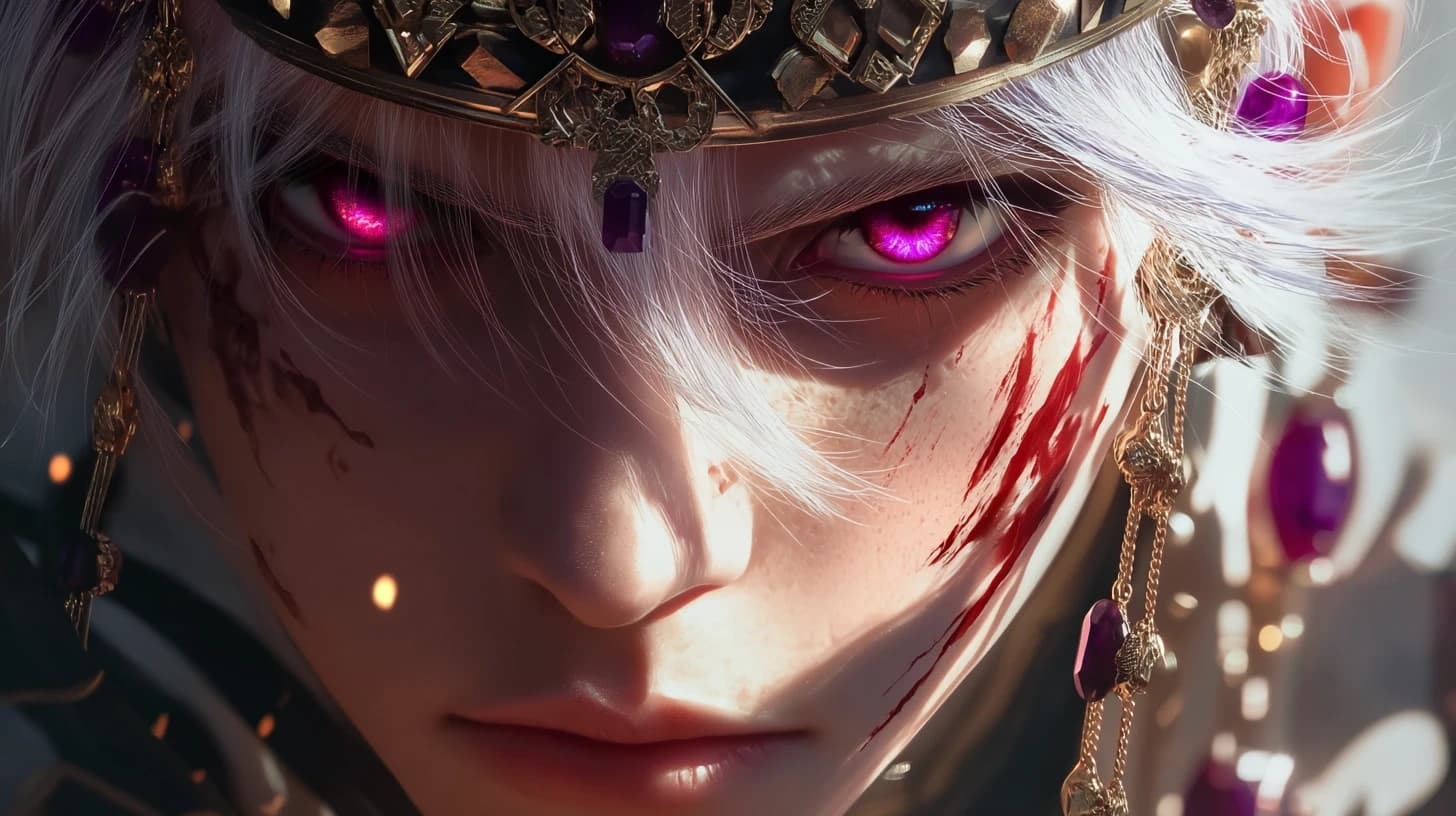
Try to choose details that work together. A calm villain queen, pastel idol, or street fighter already suggests a different visual direction without needing a huge block of text.
- Choose one outfit direction
- Pick one color family or palette mood
- Add one expression or personality cue
Use Anime Character Examples as Direction
Reference pages are useful when you want to compare looks and spot the patterns you actually like. The goal is not to copy one image exactly. The goal is to learn what kind of character direction feels right for your project.
If one result feels close, turn that into the next version of the prompt instead of starting over from zero.
- Save the mood and silhouette you like
- Rewrite the prompt in your own words
- Keep refining the same idea instead of chasing random changes
Move the Best Anime Character Into OC Maker
Once the first character output works, the real progress comes from building identity around it. That is where an OC workflow becomes more useful than endless prompt rewrites.
Use the early result to decide the role, outfit logic, personality cues, and story hook you want to keep long term.
- Lock in the strongest role and mood
- Refine the identity in one place
- Use the final concept for avatars, comics, or story planning
Pages That Help After the First Prompt
Use these pages when you want better examples, a fuller OC workflow, or a different input type.
AI Character Generator
Best for direct prompt-led anime character creation when you want to keep exploring ideas.
AI Generated Anime Characters
Use example-led inspiration to improve your prompt direction before you commit to a final design.
OC Maker
Move into a deeper workflow when the concept starts working and you want stronger identity and structure.
Make Anime Characters Feel Original
Turn one clear role and a few strong details into a character concept you can keep refining.