
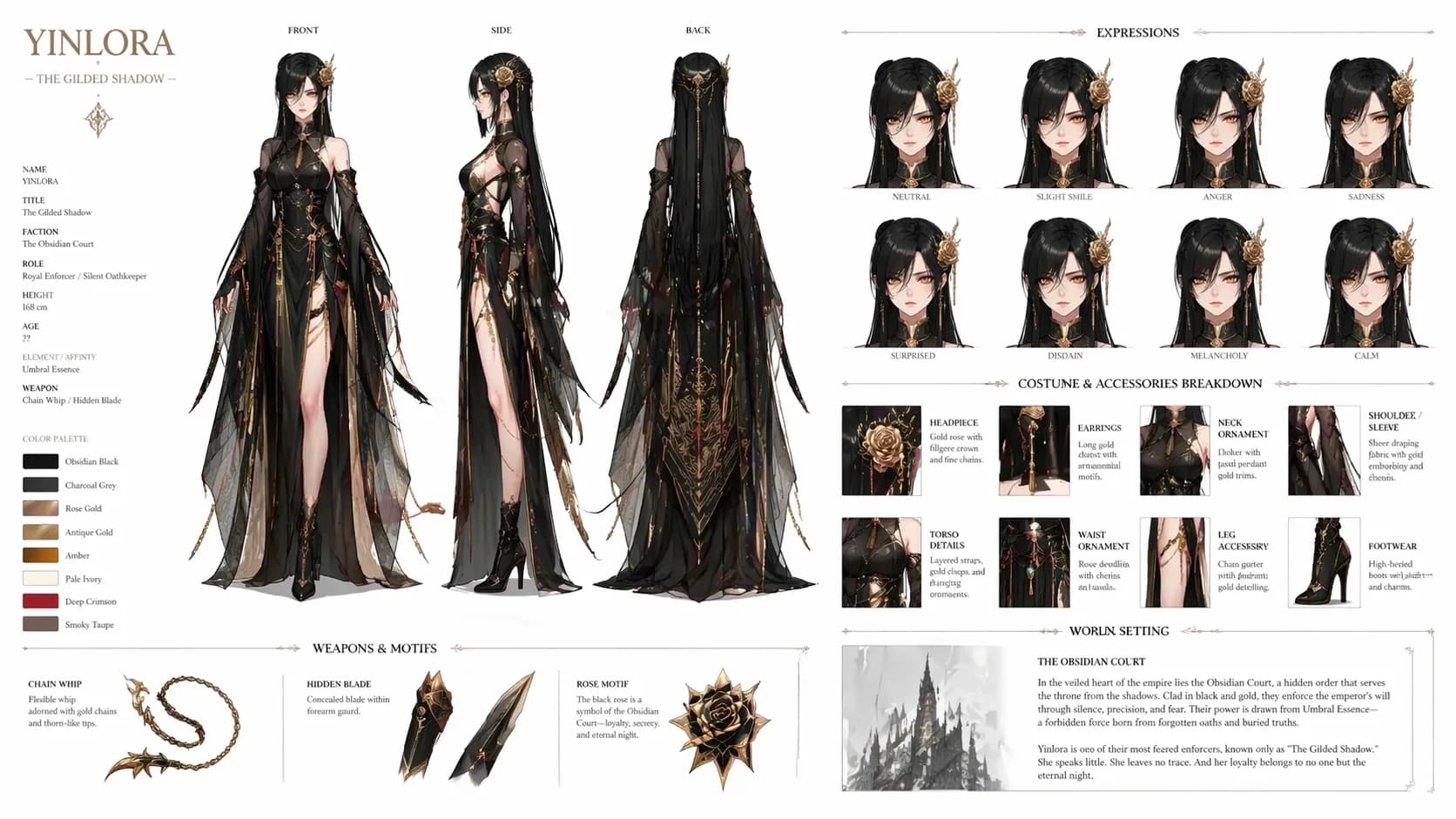
Turn a Photo Into an Anime Character
Start from a selfie, outfit shot, or reference image and turn it into an anime-style character.
Start With a Photo
This page is useful when you already have a photo and want to turn it into a character.
Keep the parts that matter most, like the face, pose, clothes, or mood, and let the rest become more anime.
What Works Best for Photo Restyles
Different kinds of photos keep different parts of the final character idea.
Portraits work when identity and expression matter
Use a clear portrait when you want the anime result to keep the person's expression and energy.
Outfit shots work well for style
Fashion photos and cosplay shots are good when clothes and styling matter most.
Mood shots work for atmosphere
Even loose images can help when the lighting, color, or mood is the main thing you want to keep.
Best Uses for Photo Restyles
This page is useful when a real photo is the best starting point.
How Photo Restyles Work
Pick what to keep from the photo, then shape it into anime style.
Pick what matters most
Decide whether the face, outfit, pose, or mood is the main thing to keep.
Add anime-style cues
Add style, color, and expression cues so it feels like a real character, not just a filter.
Turn the best result into a character
Take the best version into OC Maker or the main generator and build it out further.
Questions About Photo Restyles
A few quick answers about using a photo as your starting point.
Do I need a clean studio portrait to use this page well?+
No. A clean portrait helps when identity matters, but outfit shots, cosplay photos, and mood-heavy images can work just as well if they match the part of the design you care about most.
Should I expect a one-to-one copy of the original face?+
Not necessarily. The strongest results usually keep the useful essence of the source while exaggerating shape, styling, or emotion so the final anime character feels deliberate.
Can outfit boards work better than selfies?+
Yes. Outfit boards are often better when clothing language, props, and palette are more important than exact likeness.
What should I do after the first restyle looks promising?+
Carry it into OC Maker if you want a reusable profile, or into the core AI Character Generator if you want to run more stylistic variations around the same concept.
Keep Building From the Photo
Start with a real image and turn it into an anime character you can keep using.